Published November 14, 2026 · Pingsivo
Ethernet, No Internet? Find Where the Connection Stops
TL;DR: If Ethernet shows as connected but websites do not load, test another device on the same router and check the wired adapter’s IP address and default gateway. These checks help distinguish a cable or LAN port problem, a missing network address, a DNS problem, and an outage affecting the whole household.
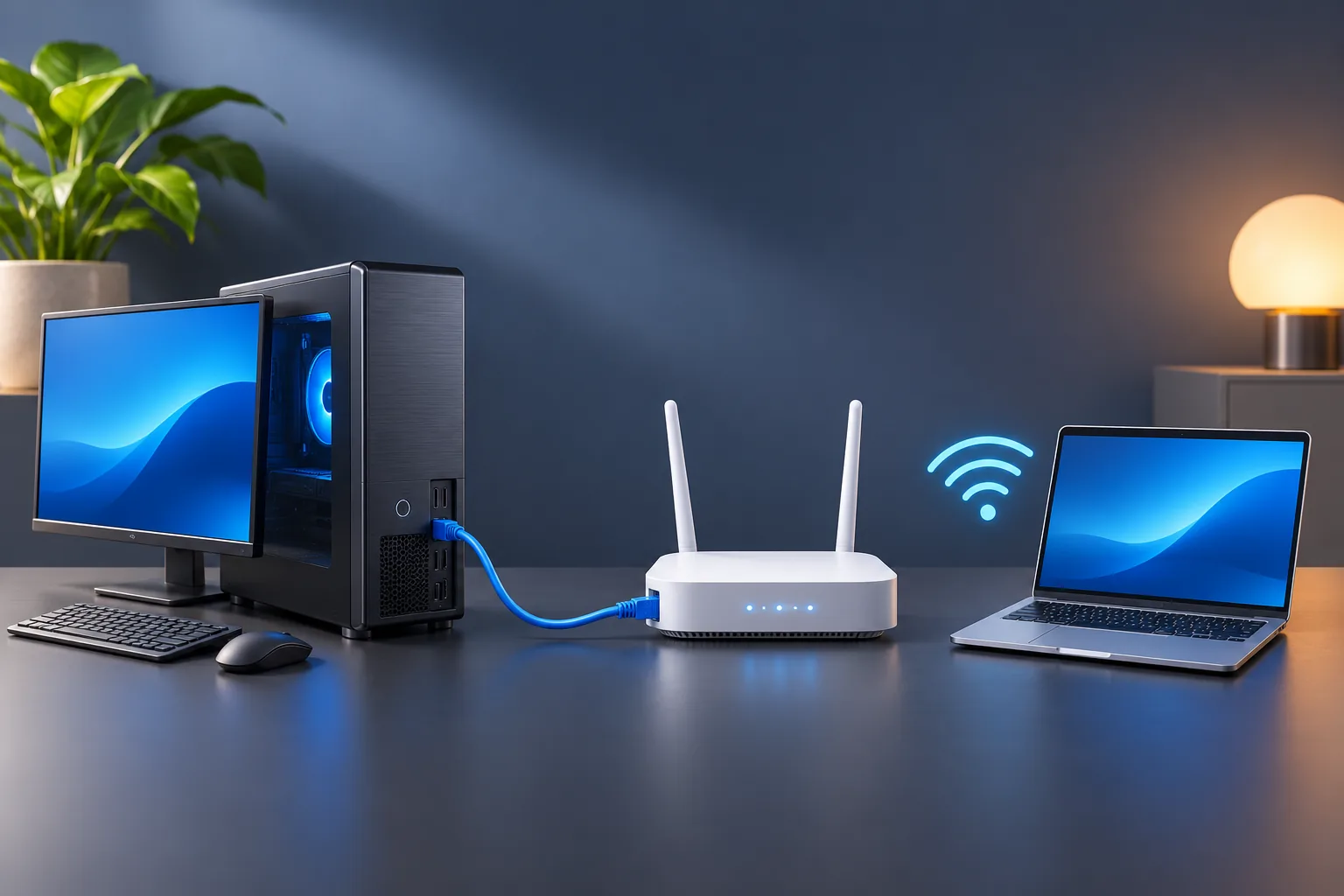
Why does Ethernet say connected when there is no internet?
An Ethernet connection can show as connected as soon as your computer and the device at the other end establish a wired link. Internet access also requires an address and a working route beyond your home network. On Windows, open Settings → Network & internet → Ethernet to see the status of the wired connection, then test a website you normally use.
Start with these comparisons:
- Turn off Wi-Fi on the affected computer briefly so the browser test uses Ethernet.
- On another device connected to the same router, open a website. On a phone, turn off cellular data briefly during the test.
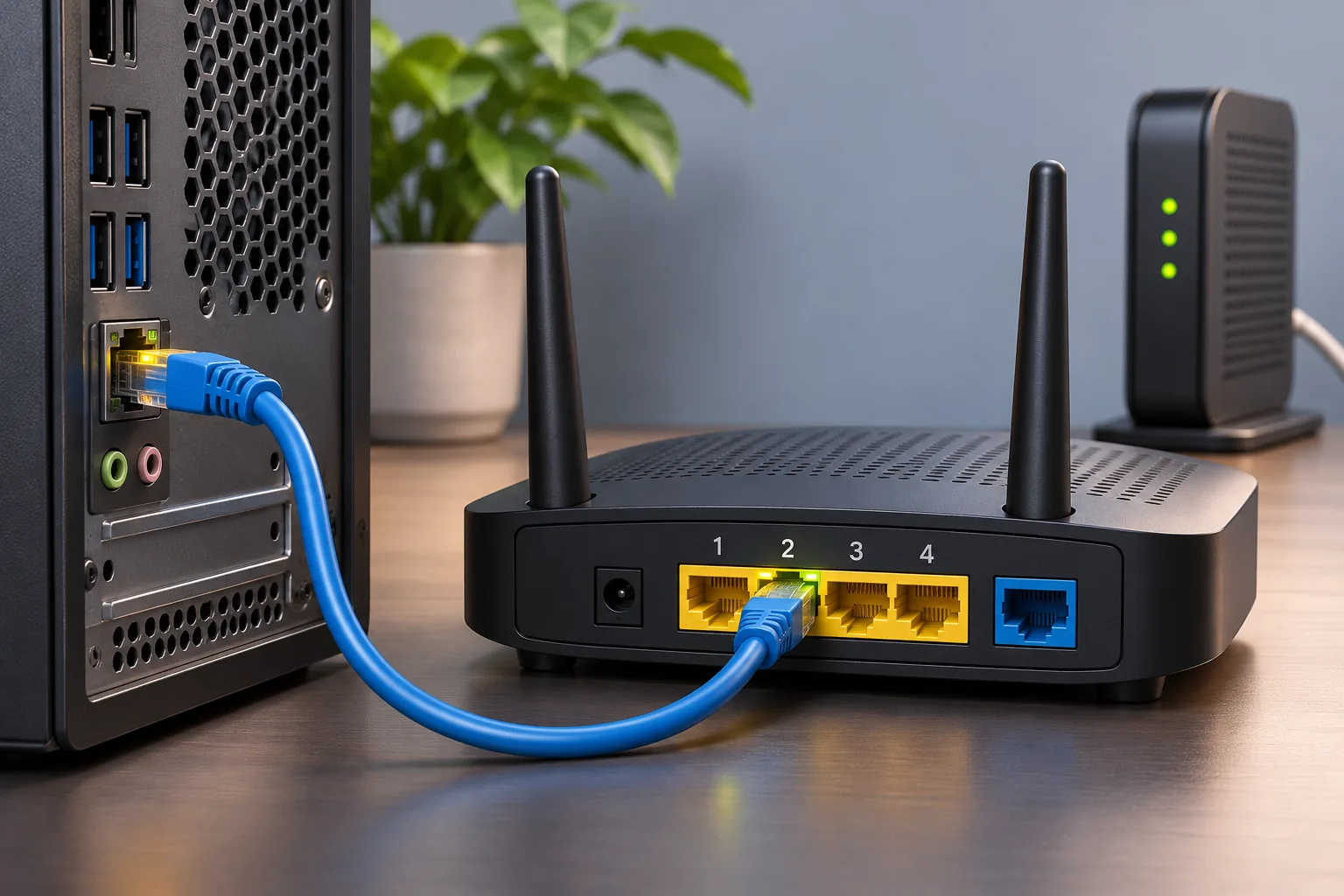
- If possible, connect the affected computer directly to a LAN port on the router to bypass the wall jack, dock, or network switch.
Microsoft’s Ethernet troubleshooting guide recommends trying another Ethernet cable and testing another device.
My router’s LAN ports aren’t working. What can I do to fix this?
Test a known-working cable and a different LAN port on the router, changing one item at a time. Check that the cable is seated at both ends and that it connects to a LAN port intended for local devices. Keep the modem or fiber terminal connected to the router’s WAN port if your setup uses a separate upstream device.
| Observation | Useful next check |
|---|---|
| A second cable works on the same port | Retest the original cable or wall run. |
| A second LAN port works with the same cable | Confirm the original port is enabled and intended for your local network. |
| The direct router connection works | Add the dock, switch, or wall jack back individually. |
| Both Wi-Fi and Ethernet devices fail | Check the router’s internet status and your provider’s outage information. |
What does the Ethernet IP address tell you?
An IPv4 address starting with 169.254 is a
link-local address. On a home network where the router is expected to
assign an IPv4 address, a link-local address and a missing IPv4 default
gateway point toward an address assignment problem. Open Command Prompt
and run ipconfig. Read the Ethernet adapter entry, since a
separate Wi-Fi adapter may show a different address and gateway.
- DHCP is the service that assigns network settings automatically. Check automatic IP assignment if the network expects DHCP.
- The default gateway is the local router address your computer uses to reach other networks. If it is present, try opening your router’s usual local administration page.
- DNS translates domain names into addresses. If the
router is reachable, run
nslookup example.com. A timeout is a clue to check DNS settings and compare with a working device.
Microsoft explains automatic IP and DNS settings. RFC 3927 describes IPv4 link-local addresses.
What else should you check?
Why does Wi-Fi work when Ethernet has no internet?
A working Wi-Fi device on the same router narrows the problem to the wired connection or the affected computer. Try the wired test on a second device before replacing the router.
What if I can open the router but no websites load?
Opening the router confirms that the computer can reach that local address. Compare another device’s results and check DNS, the router’s internet status, and whether a VPN or proxy is active on the affected computer.
Should I reset Windows network settings right away?
Use Windows network reset after testing the cable, port, and adapter settings. Microsoft explains that network reset removes installed network adapters and their settings, so VPN software or virtual switches may need setup again.
Does a faster Ethernet cable solve a missing connection?
A replacement cable helps when the original cable is faulty. A different cable category cannot supply a missing default gateway or restore an internet service outage.
What should you record before asking for help?
Record whether another device works on the same router, which cable and port combinations you tried, and whether Windows shows a default gateway. Once browsing works again, compare Ethernet and Wi-Fi performance and check whether your cable category fits the link.