Published November 18, 2026 · Pingsivo
How to Check Wi-Fi Signal Strength Room by Room
TL;DR: Check Wi-Fi signal strength on the same device near the router and at the place where the connection gives you trouble. A lower signal in that spot points to a coverage problem, while a strong signal with slow speeds calls for a separate network test.
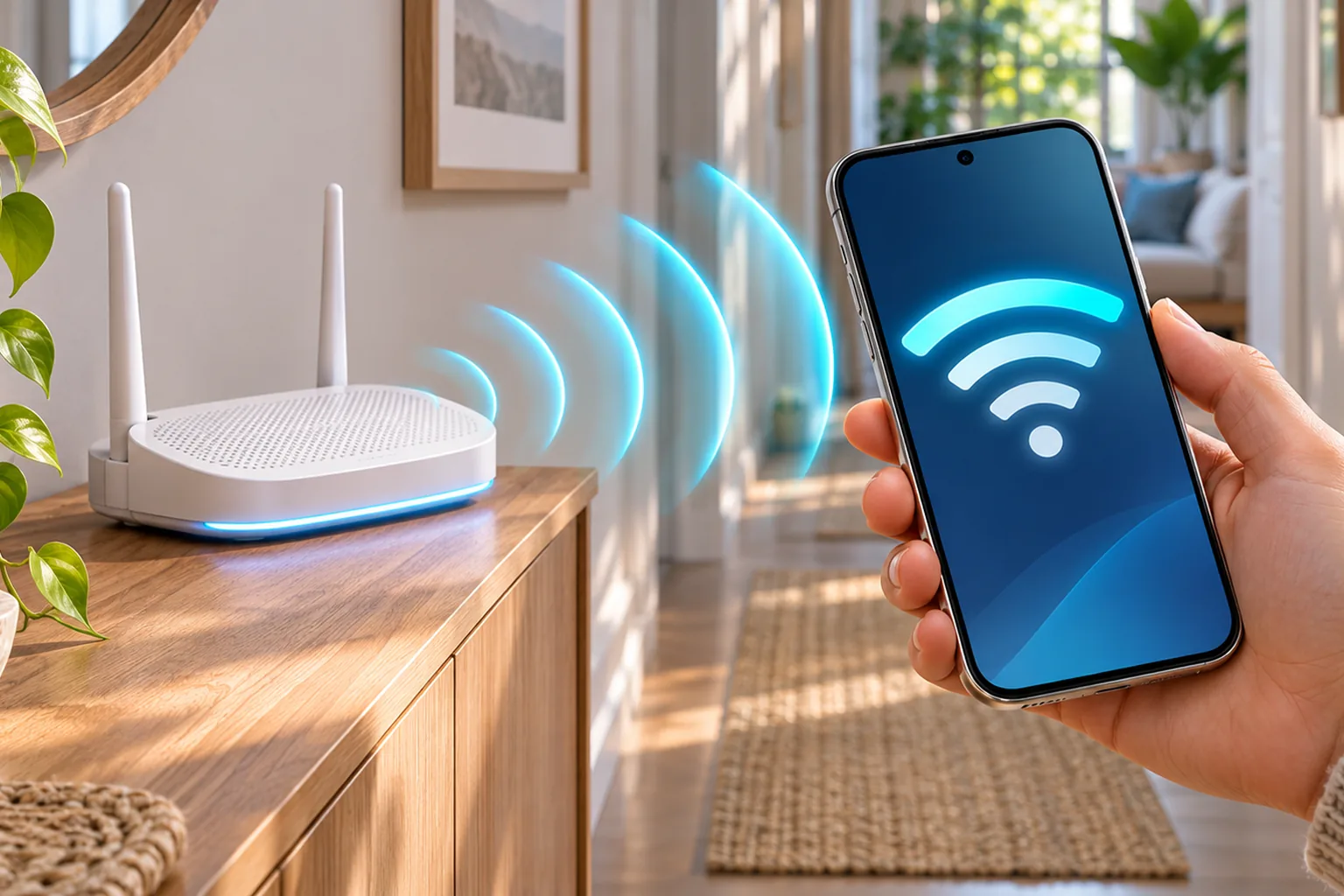
How do you check Wi-Fi signal strength on a Mac?
Hold Option while opening the Wi-Fi menu and look for RSSI under the connected network. RSSI means received signal strength indicator. On a Mac, the value is shown in dBm, a unit of received power. A reading closer to zero is stronger when you compare readings from the same device. Cisco's wireless troubleshooting guide
How do you check Wi-Fi signal strength on Windows?
Open Command Prompt or PowerShell, run the Windows Wi-Fi command below, and read the Signal percentage for the connected interface when Windows shows it. Keep the Wi-Fi network and band the same for each comparison. The percentage is most useful as a relative reading on that computer. Microsoft's netsh WLAN reference
netsh wlan show interfaces
What is a good Wi-Fi signal strength?
Judge Wi-Fi signal strength by comparing a working location with the area where you notice a problem. For example, a change from −50 dBm near the router to −72 dBm at the desk indicates a weaker received signal in this example. Use your own measurements to decide whether moving the router or changing where you work helps.
| What changes between locations? | What to check next |
|---|---|
| Signal drops and the connection becomes unreliable | Move the device or router and repeat the same comparison. |
| Signal stays similar and only one device slows down | Compare that device with another in the same spot. |
| Signal is strong and several devices slow down | Run a controlled speed test and compare a wired connection if available. |
Frequently asked questions
Is a Wi-Fi signal bar the same as a speed test?
Wi-Fi bars indicate the approximate strength of the local radio connection. A speed test measures how quickly your device exchanges data with a test server, which depends on more than signal strength.
Can the Wi-Fi band change my reading?
Yes. The same router can advertise more than one Wi-Fi band, and the device may switch between them as you move. Record the band for each reading and compare results on the same band when possible. Compare 2.4 GHz and 5 GHz Wi-Fi.
Do all devices report the same signal strength?
Different devices and drivers may use different scales or antennas. Use the same device for a room-to-room survey, especially if you are comparing percentages or bars.
Can a strong signal still have slow internet?
Yes. Congestion, a busy internet connection, or a problem beyond the router can slow traffic while the device still has a strong wireless link. Check whether a wired device has the same problem.
Compare signal strength with the same device in a good spot and a problem spot. Then use a wired comparison or a speed test if the signal reading does not explain the slowdown.