Published November 13, 2026 · Pingsivo
Double NAT: How to Identify It and What to Change
TL;DR: Double NAT happens when two devices translate IPv4 traffic in series, typically an internet provider gateway and a separate home router. Check both WAN addresses and operating modes before changing anything. If both devices are routing and an application is affected, choose one device to handle routing.
How can I tell if I’m behind double NAT?
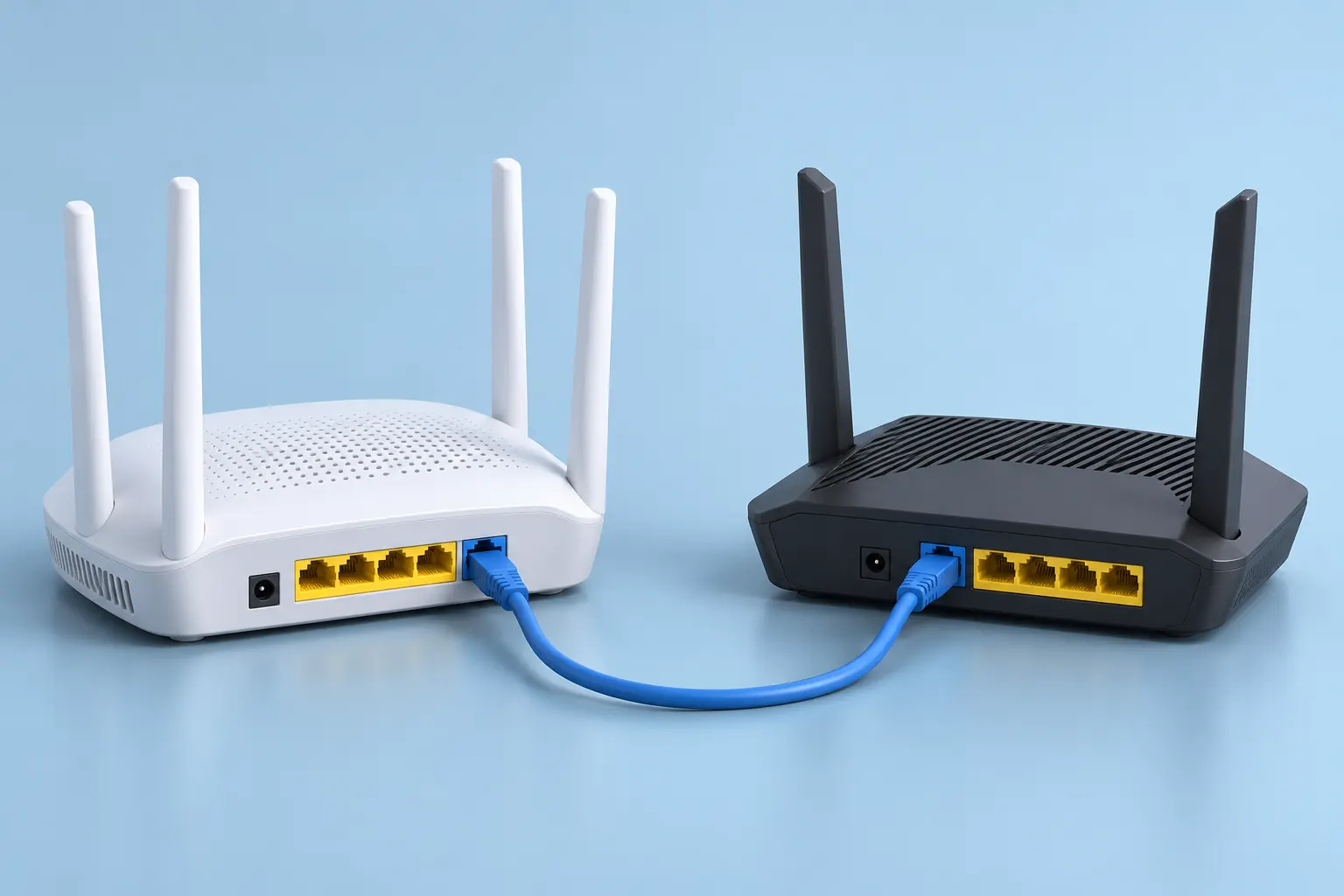
Check your personal router’s Internet or WAN IPv4 address, then trace its WAN cable to the upstream device. A WAN address in the gateway’s local subnet, combined with both devices operating in router mode, points to two layers of translation. The address on your laptop alone cannot establish how many routers are translating traffic.
- Example: a personal router with WAN address 192.168.1.20 sits behind a gateway that distributes 192.168.1.x addresses.
- If the gateway itself shows a WAN address in 100.64.0.0/10, check with your provider. RFC 6598 reserves this range for shared address space.
- Check RFC 1918 for the three private IPv4 ranges.
How do I fix double NAT?
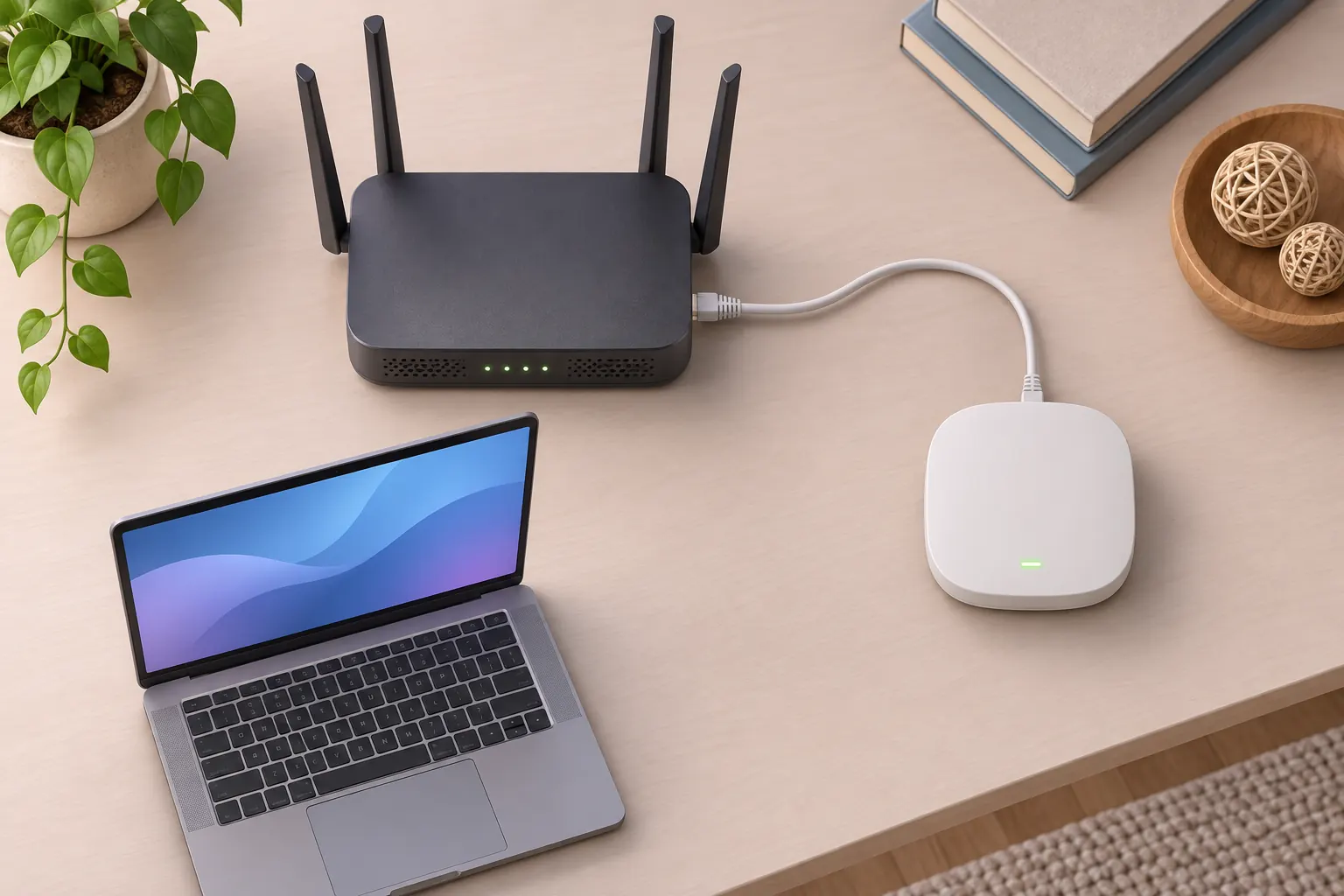
Keep one home device in router mode and configure the other in a supported bridge or access point mode. Google’s double NAT guide explains how upstream bridge mode works and why downstream bridge mode can limit some mesh systems. Check your own model’s documentation and ask the provider about bundled phone or TV services before changing its gateway.
| Keep routing on | Change to consider |
|---|---|
| Your personal router | Provider gateway bridge mode, if supported |
| Provider gateway | Personal router access point mode, if supported |
| Provider network performs NAT | Ask the provider about public IPv4 options |
Frequently asked questions
Does double NAT reduce internet speed?
Double NAT does not automatically explain a slow connection. Compare wired and wireless measurements before changing router settings.
Can I have two routers on the same network?
Yes, two devices can share a network when one routes and the other operates as an access point. Check which guest and mesh features remain available.
Is carrier-grade NAT the same thing?
Carrier-grade NAT happens in the provider’s network. Changing a home router’s mode cannot remove a translation layer operated by the provider.
Do I need to fix double NAT if everything works?
There is usually no reason to change a working setup. If one application has trouble, reproduce the problem before and after changing one setting at a time.
Identify both devices and retest the application that reported the problem after a supported mode change. Compare connection measurements with the Pingsivo Internet test or consult the mesh Wi-Fi guide for coverage problems.