Published November 25, 2026 · Pingsivo
What Is a Subnet Mask? Read /24 and Check Your Network Settings
TL;DR: A subnet mask tells an IPv4 device which part of an address identifies the local network and which part identifies a device within that network. Read the address and mask together: changing the mask changes which destinations appear local. Record the existing configuration before troubleshooting, and use the network administrator's intended values rather than copying a mask from an unrelated network.
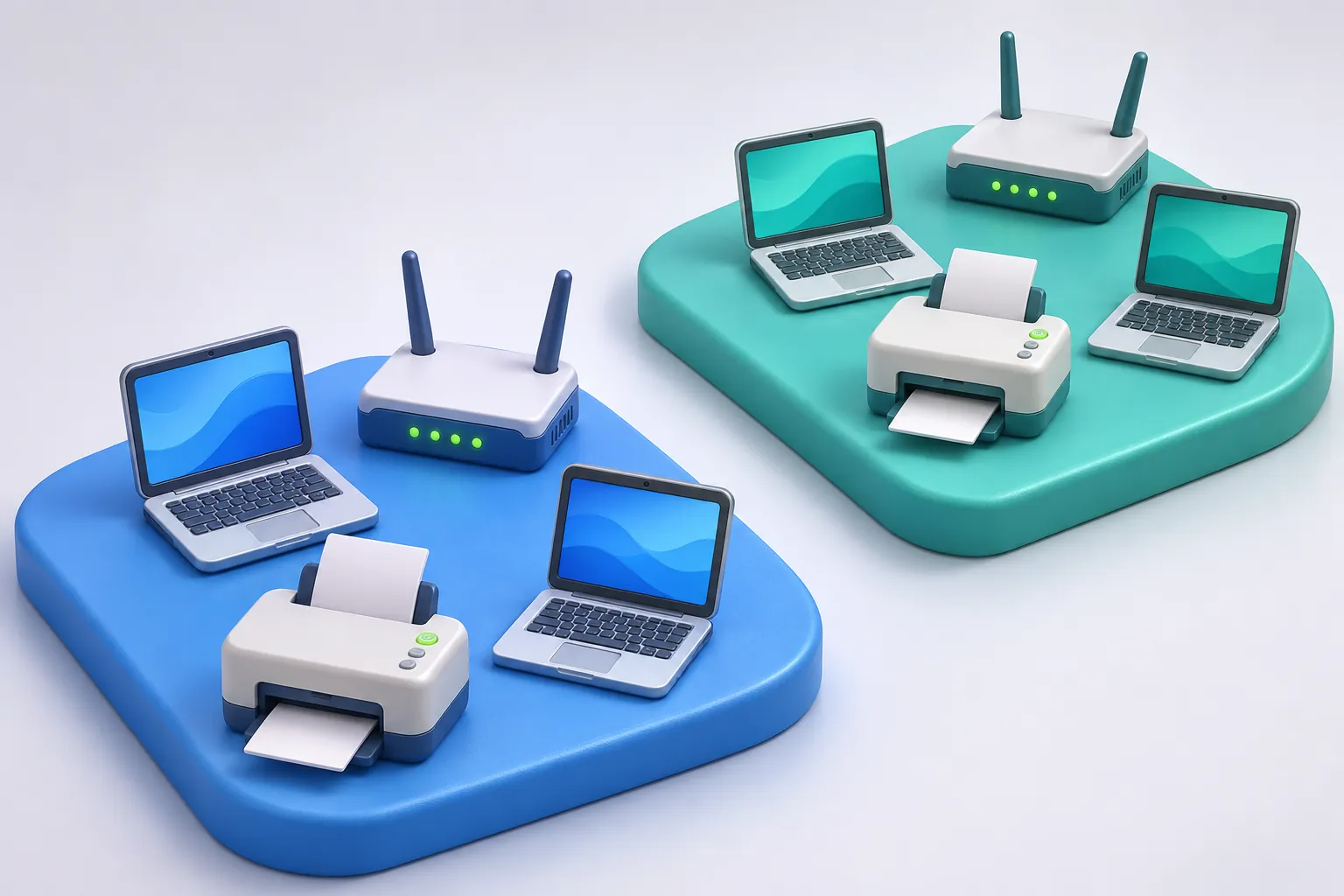
What does a subnet mask do?
A subnet mask defines the network portion of an IPv4 address, helping a device distinguish its local subnet from other networks. A subnet is a logical subdivision of an IP network, rather than a synonym for a Wi-Fi name or a room. The mask describes an addressing boundary; it does not measure radio coverage, download speed or the number of devices currently online.
An IPv4 address contains 32 bits, usually displayed as four decimal numbers separated by periods. Microsoft's addressing and subnetting introduction explains the network/host distinction and how the mask contributes to local-versus-remote decisions. A bit is a binary digit, either zero or one; the familiar decimal notation is simply easier for people to read.
| Setting | Question it helps answer |
|---|---|
| IPv4 address | Which address does this interface use? |
| Subnet mask or prefix | Which address bits describe the network? |
| Default gateway | Which next hop normally handles destinations outside the local network? |
| DNS configuration | Which service helps resolve names to addresses? |
Is a subnet mask the same as an IP address?
A subnet mask describes an address boundary; an IP address identifies an interface within an addressing scheme. A mask such as 255.255.255.0 is therefore not an address to type into a browser or use as the router's login address. When comparing settings, keep each value with its field label instead of treating every dotted number as interchangeable.
The address alone is insufficient to identify the subnet boundary in a classless configuration. For example, the same illustrative address can be paired with different prefix lengths, producing different network ranges. This explains why matching the first few decimal numbers is not a universal test for whether two devices are on the same subnet.
- Compare the IPv4 address and prefix for the same interface.
- Identify the active connection rather than an unused adapter.
- Keep the default gateway separate from the subnet mask.
- Do not infer the configuration from the Wi-Fi network name.
What does 255.255.255.0 mean, and is it the same as /24?
The IPv4 mask 255.255.255.0 is equivalent to the prefix length /24. In binary, that mask has 24 consecutive one-bits followed by eight zero-bits. CIDR, short for Classless Inter-Domain Routing, uses a slash and prefix length to express this boundary compactly; /24 is not a speed rating or a limit of 24 connected devices.
Netgate's CIDR reference lists the corresponding masks and address counts. A /24 has 256 total addresses, with 254 conventional host addresses after reserving the network and broadcast addresses. Special-purpose prefixes such as /31 follow different rules, so subtracting two is not a universal rule for every IPv4 prefix.
| Prefix | Mask | Total addresses | Conventional host addresses |
|---|---|---|---|
| /24 | 255.255.255.0 | 256 | 254 |
| /25 | 255.255.255.128 | 128 | 126 |
| /26 | 255.255.255.192 | 64 | 62 |
These address counts describe the subnet's addressing capacity, not measured router capacity. Some addresses may be reserved, assigned manually or excluded from the DHCP pool. A router with a /24 configuration therefore does not necessarily offer 254 DHCP leases, support 254 simultaneous wireless clients, or deliver equal performance to every connected device.
What is an example of a subnet?
An illustrative device at 192.168.10.34/24 belongs to the network 192.168.10.0/24. Under that mask, addresses from 192.168.10.1 through 192.168.10.254 are conventional host addresses in the subnet, while .0 and .255 serve the network and broadcast roles. This is a worked example, not a recommendation to replace your current configuration with these numbers.
With the example device still using /24, 192.168.10.80 is in its local subnet, while 192.168.11.80 is outside it. If the device instead had a valid /16 configuration, that boundary would differ. The prefix must match the real network design; changing it merely to make an address appear local does not establish a working connection.
| Example destination from 192.168.10.34/24 | Addressing interpretation |
|---|---|
| 192.168.10.80 | Inside the same /24 address range |
| 192.168.11.80 | Outside that /24 address range |
| 192.168.10.255 | Broadcast address for this example subnet |
Being inside the same address range does not guarantee successful communication. Device isolation, access rules, a disconnected printer or a wrong destination service can still prevent access. Treat the subnet comparison as one specific check in a diagnosis, then verify that the target device and required service are actually available.
How do I find my subnet mask?
Find the subnet mask in the active connection's network details, keeping it together with that interface's IPv4 address. On Windows, open a terminal and run ipconfig; Microsoft's command reference also documents ipconfig /all for more detailed configuration. Reading these settings is different from releasing an address, renewing a lease or editing the adapter configuration.
If the computer has Wi-Fi, Ethernet, a VPN and virtual adapters, the output may contain several sets of values. Start with the interface carrying the connection you are investigating and note whether a VPN changes the route to the destination. An address shown under a disconnected adapter is not sufficient evidence about the active path.
- Record the active interface's name and IPv4 address.
- Copy its mask or prefix exactly, including the field label.
- Record the gateway and whether automatic configuration is enabled.
- Note the destination address and the exact symptom.
- Compare the settings with the router's documented configuration or ask the administrator.
Can DHCP provide the subnet mask automatically?
DHCP can supply network configuration automatically, so a manually entered mask is often unnecessary on a managed home network. Our DHCP explanation covers the separate role of assigning configuration and renewing leases. A mask that arrived automatically should be investigated in the context of the assigned address and intended network, rather than replaced in isolation.
Before selecting manual configuration, consider what happens when the device joins a different network. A setting copied from one router may be inappropriate elsewhere, even if both networks use similar private addresses. Keep a record of how the interface was configured so you can restore the intended automatic or administrator-provided setup after a controlled change.
- On a work or school network, ask the administrator for the intended settings.
- On a home router, distinguish its LAN settings from its internet/WAN settings.
- Preserve existing address reservations and other devices' configurations.
- Avoid inventing an unused-looking address; appearances do not establish availability.
Can a wrong subnet mask cause connection problems?
An incorrect mask can make a device classify a destination incorrectly as local or remote. That can help explain why one destination fails while another remains reachable, but the symptom alone does not prove a mask error. Compare the observed address and prefix with the intended configuration before changing router settings or blaming internet service.
For a printer problem, first identify the printer's current address and the computer interface used to reach it. For a broader outage, determine whether the device joined Wi-Fi, received configuration and can reach the intended destination. Our connected-without-internet guide supplies a broader checklist when the problem extends beyond a subnet comparison.
| Observation | Useful next check |
|---|---|
| Only one device fails | Compare that device's active interface settings |
| A printer alone is unreachable | Confirm the printer address and availability |
| Settings changed after moving networks | Check automatic versus manual configuration |
| Multiple adapters show different prefixes | Identify the interface and route relevant to the destination |
Frequently asked questions
Is 255.255.0.0 a subnet mask?
255.255.0.0 is a valid IPv4 subnet mask corresponding to /16. Its validity does not mean it is the correct mask for your particular network.
Is the subnet mask the router's address?
The subnet mask is not the router's interface address. Look for the gateway field and the router's documented management address instead.
Does a larger subnet make Wi-Fi faster?
A larger address range does not by itself improve Wi-Fi performance. Address planning and radio performance answer different questions.
Can two devices have the same subnet mask?
Devices commonly share the same mask on a subnet. The mask alone does not establish that their addresses, connectivity or access permissions are compatible.
What should you record before changing network settings?
Read a subnet mask as part of an IPv4 configuration, alongside the address, interface and gateway. Use the intended network design to decide whether a value is correct, and keep a copy of the working settings before making a change. Start by recording the active connection's details rather than choosing a replacement mask from an online example.