Published November 17, 2026 · Pingsivo
What Is WPS on a Router? How the Pairing Button Works
TL;DR: Wi-Fi Protected Setup (WPS) lets a compatible device join a router without manually typing the Wi-Fi password. Use the push-button option for a device that needs it, and turn off WPS or its router PIN feature if you do not use it.

What is Wi-Fi Protected Setup (WPS)?
Wi-Fi Protected Setup is a way to enroll a device on a supported wireless network. A printer, extender, or other device can start pairing while the router accepts the request. The Wi-Fi password stays in place for devices that connect through the normal network list. Linksys documents both button and PIN variants.
How can I connect to Wi-Fi without a password using WPS?
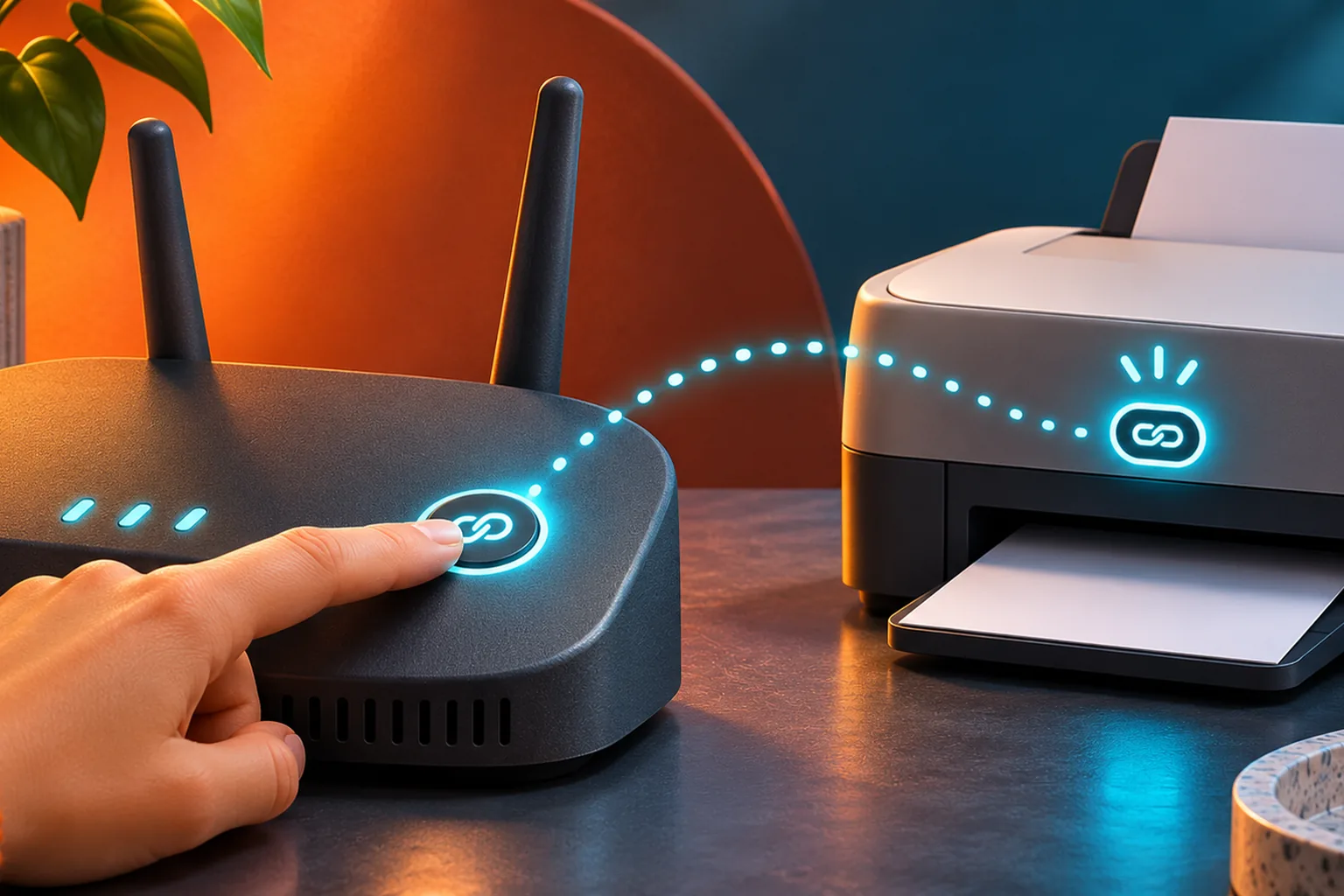
Start push-button pairing on the device and the router in the order shown in their manuals. On some models, WPS is available in the router dashboard or app. Check the label before pressing anything, especially if the router combines pairing and reset functions on one control.
- Choose WPS push button on the device if that option is available.
- Use the router's WPS control as directed by its manual.
- Wait for the device to show the network name and a connected status.
Why is WPS considered a security risk?
Some routers expose a WPS PIN feature with a documented design weakness. The CERT Coordination Center recommends disabling the external registrar feature, which may appear in the interface as WPS or router PIN. Router controls differ, so check that the change actually stays in effect.
What should I check when WPS pairing fails?
Confirm that both the router and the device offer push-button pairing on the network you intend to use. If the device can accept an ordinary password, try that next. If the device connects to Wi-Fi but can't reach websites, follow the connected-without-internet checklist to isolate the next problem.
| What you see | What to try |
|---|---|
| The device has no WPS menu | Use the device's normal Wi-Fi setup. |
| The printer only supports a specific band | Check its manual and compare 2.4 GHz and 5 GHz Wi-Fi. |
| The router control is unlabeled | Find the manufacturer's instructions for your exact model. |
Frequently asked questions
Does the WPS button reset the router?
A dedicated WPS button starts wireless pairing. On a shared WPS/reset control, the behavior can depend on how long you press it, so follow the model-specific instructions.
Does turning off WPS disconnect existing devices?
Turning off WPS typically stops new WPS pairing while connected devices keep using their saved credentials. Check the router instructions if changing the setting also restarts the wireless network.
Does WPS make Wi-Fi faster?
WPS handles setup. After pairing, distance, interference, and the device's wireless capabilities affect performance.
Do both devices need a physical button?
A compatible device can offer push-button pairing through its display or setup app. The router may also offer a software control for WPS.
Use WPS when a compatible device needs a simpler way to join. If ordinary password entry works, that gives you a straightforward setup with WPS turned off.